Amekpoagbe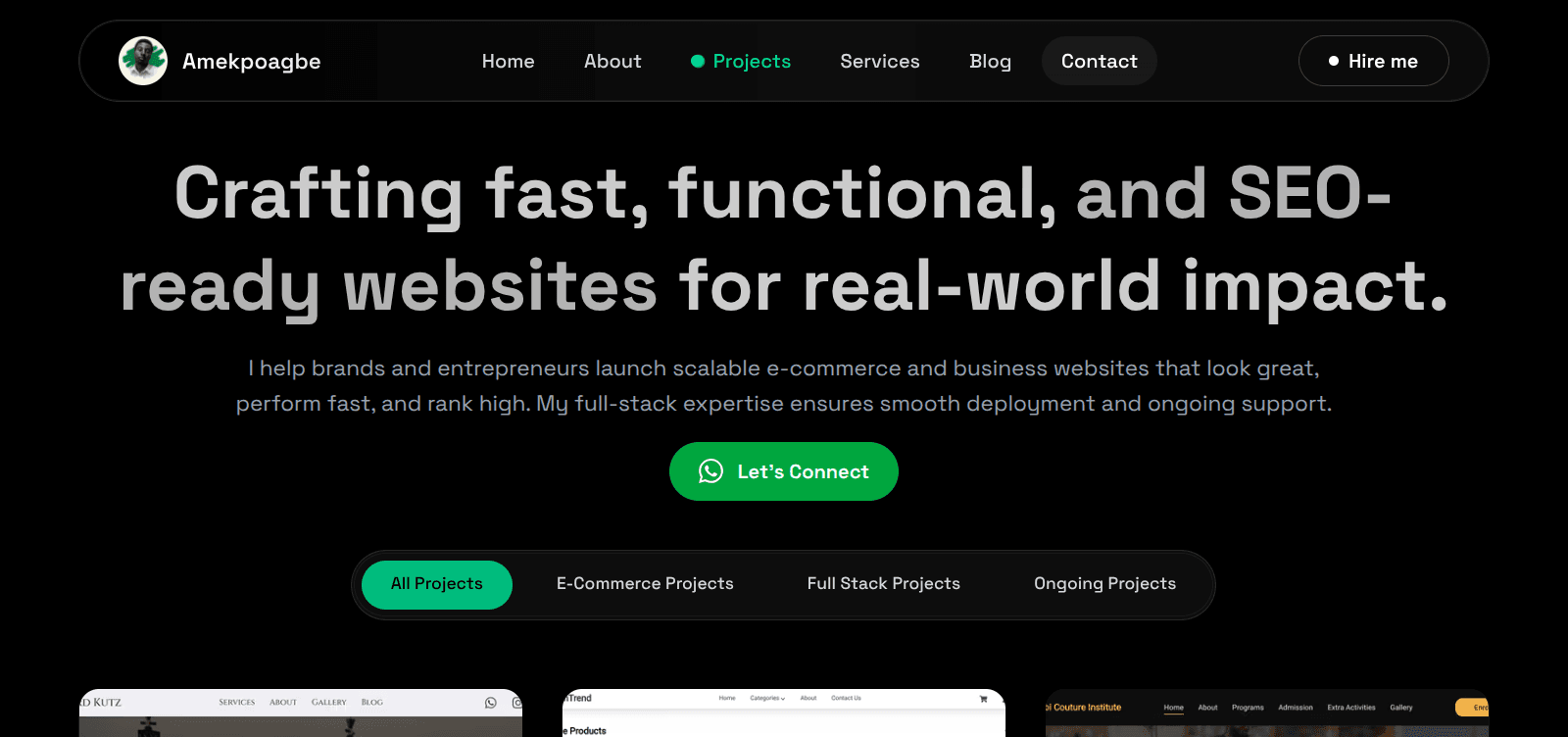
Launching my portfolio website has been one of the most meaningful milestones in my software engineering journey. What started as a small fun project quickly evolved into a full professional platform — custom pages, a structured design system, animations, and my proudest achievement: a fully custom blog built from scratch using Supabase, React Markdown, and my own dashboard (which I call Mini-Notion).
This blog breaks down my full process:
- How I built the portfolio
- Why I changed direction multiple times
- How I built my own blog system
- The challenges I faced
- The lessons I learned
- Why every developer should build their own tools at least once
If you're a new developer, a self-taught engineer, or someone building a personal brand in tech, I hope my journey gives you clarity, confidence, and a realistic view into the process.
Why I Decided to Build a Portfolio in the First Place
Like many developers, I didn't begin this project with a big plan. I simply opened VS Code and started building.
- No pressure
- No deadlines
- No grand vision
- Just curiosity
But as the project grew, something clicked:
Your portfolio is not just a website — it's your identity, your brand, your digital handshake.
Every opportunity in tech — freelancing, jobs, collaborations — begins with one question:
"Can I see your portfolio?"
That moment changed everything. My mindset shifted from fun experiment to professional investment.
The Tech Stack Behind My Developer Portfolio
I wanted a stack that felt modern, scalable, and enjoyable. Here's what I used and why:
1. Next.js 15
Next.js gave me:
- SEO-optimized pages
- Server & client component flexibility
- Image optimization
- File-based routing
- Performance, caching & great developer experience
Since I wanted Google to index my site fast, Next.js was the perfect match.
2. TypeScript
TypeScript helped me write:
- Safer code
- Cleaner components
- Fewer runtime errors
- Better structured logic
It made the entire development experience more predictable.
3. Tailwind CSS
Tailwind gave me total control over UI:
- Fully responsive layouts
- Clean design system
- Consistent spacing & typography
Instead of wrestling with CSS, Tailwind let me focus on building.
4. Framer Motion
I wanted a portfolio that feels alive, not static.
I used Framer Motion for:
- Smooth fade-ins
- Page transitions
- Hover interactions
- Subtle motion design
Nothing too dramatic — just clean micro-animations that enhance UX.
From "Just Building" to an Actual Professional Design
At first, I wasn't thinking about design structure. But as the project matured, I began asking:
- Does this represent me well?
- Is this visually consistent?
- Would a client trust this?
- Is this clean enough for recruiters?
So I redesigned everything with intention:
- Chose a clean, professional color palette
- Reorganized components: Hero → Projects → About → Blog → Contact
- Optimized mobile view
- Improved typography, spacing, accessibility
Small details = professional appearance. The site evolved from "random project" into something I could confidently show to anyone.
The Turning Point: Building My Own Blog System
This was the moment that changed everything.
Originally, I integrated Notion as my CMS. It worked beautifully… But the next day, I woke up bothered.
Why? Because I didn't struggle for it. It felt too easy.
Deep down, I knew I wanted to build something of my own, not rely on a no-code tool.
So I made a bold decision:
- ❌ Removed Notion
- ✔ Built a custom CMS + admin dashboard from scratch
And that single decision increased the difficulty level instantly.
How I Built My Custom Blog + Dashboard (Mini-Notion)
This became the hardest — but most rewarding — part of the entire project.
A Custom Admin Dashboard
A private, secure interface where only I can write and publish posts.
A Markdown Editor (React Markdown)
I can create headings, lists, code blocks, links, and rich formatting. Everything renders beautifully on the frontend.
Supabase Database
Used for storing posts, handling authentication, managing read/write access, and storing metadata (title, slug, tags, date).
A Dynamic Blog Rendering Page
Pulls markdown content and displays it exactly as intended.
How Long Did It Take?
Three tough days. Three days of fixing Supabase auth, debugging Markdown issues, styling the dashboard, managing slugs and routing, fetching and caching posts, handling edge cases, and refactoring repeatedly.
But when I hit "Publish" through my own CMS, I felt something powerful:
Pride. Confidence. Ownership. This very blog was published through my Mini-Notion.
Why I Built It Instead of Using Notion
Anyone can plug in Notion. Anyone can integrate a template. Anyone can use a pre-built CMS. But building it from scratch? That's where real learning happens.
This project taught me: authentication flows, database design, CRUD operations, secure routes, Markdown rendering, API integration, error handling, performance optimization, and full-stack reasoning.
No tutorial could teach me these lessons the same way.
Deployment + SEO (The Final Touch)
I deployed on Vercel and:
- Connected custom domain
- Added metadata & OG tags
- Submitted sitemap to Google
- Enabled indexing
- Optimized performance
Good SEO ensures Google can index pages, recruiters can find my work, blog posts can rank, and my portfolio builds long-term authority.
What I Learned From This Entire Journey
1. The struggle is where growth happens
The 3-day blog system challenge transformed me.
2. Building things yourself builds confidence
Once you do something hard, future tasks feel lighter.
3. Every feature is a learning opportunity
A portfolio is a training ground.
4. Professional portfolios require intention
Clean UX is not an accident.
5. Small decisions can reshape a project
Disconnecting Notion changed everything.
My Advice to Developers
Try building things yourself sometimes.
You don't learn deeply from shortcuts. You learn from struggling, debugging, breaking things, fixing things, and finally making it work.
Anyone can fork a template. Anyone can use a CMS. But what you build yourself becomes part of your developer identity.
Final Thoughts
This portfolio represents more than code. It represents growth, discipline, hours of learning, debugging challenges, design decisions, creativity, frustrations, wins, and pride.
From building it for fun… to redesigning it intentionally… to creating my own CMS — this journey made me a better engineer.
And I'm just getting started.
Thank you for reading — and welcome to my journey. 🚀